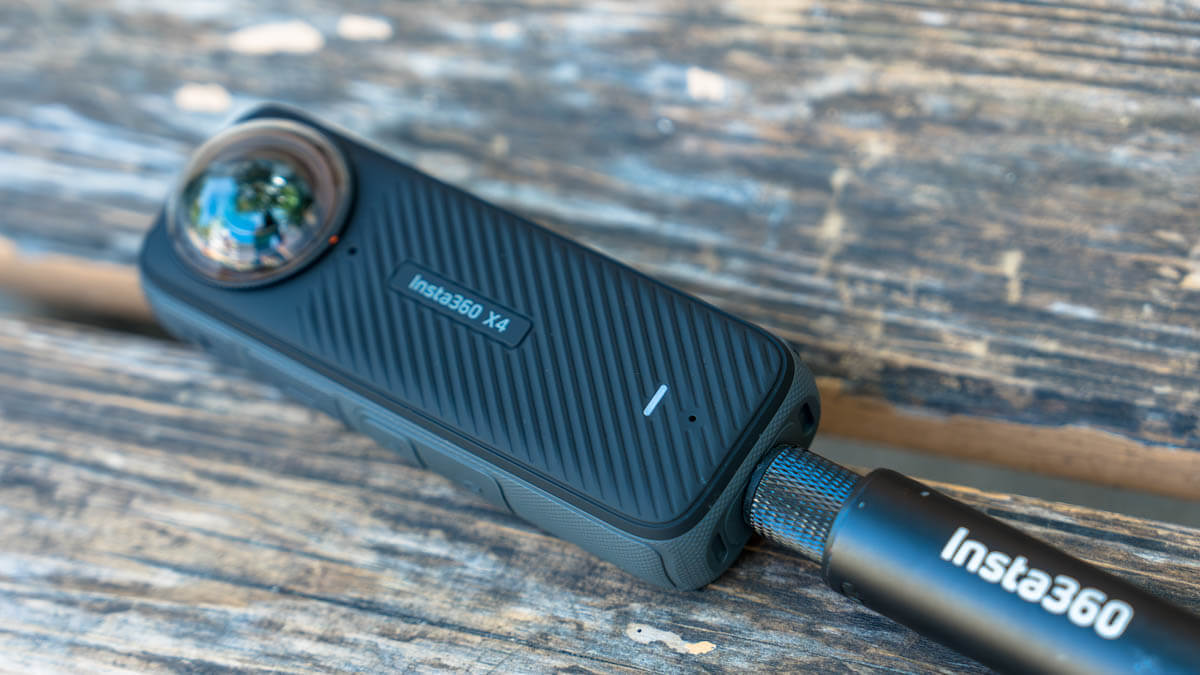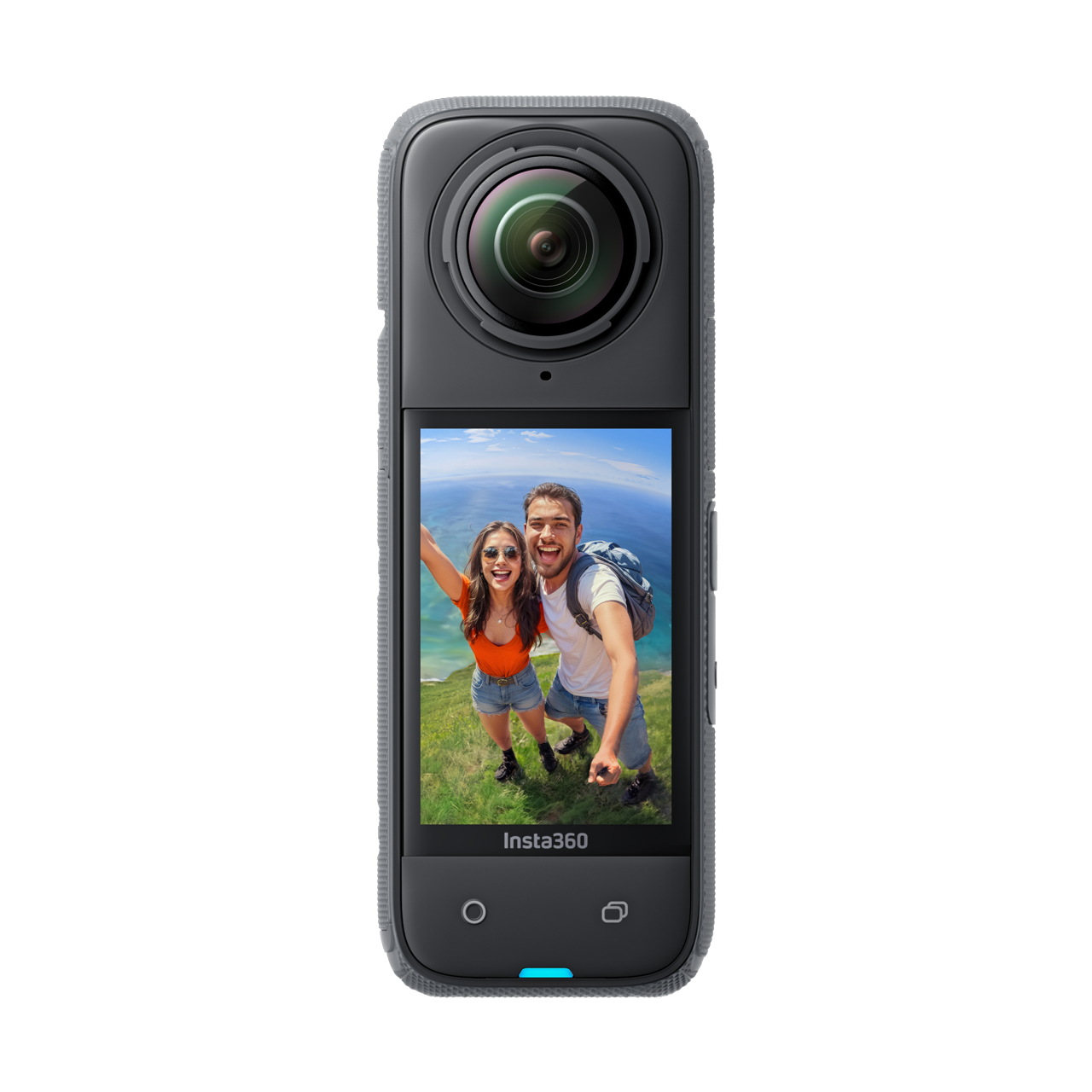
The 8K resolution 360-degree camera "Insta360 X4" makes mountain climbing and other outdoor activities that much more enjoyable [Practical Review]
I've been using the Insta360 X Series . the ONE X2 , and have written about the world and possibilities of its unique and beautiful selfie ski videos on this site several times.
Related articles
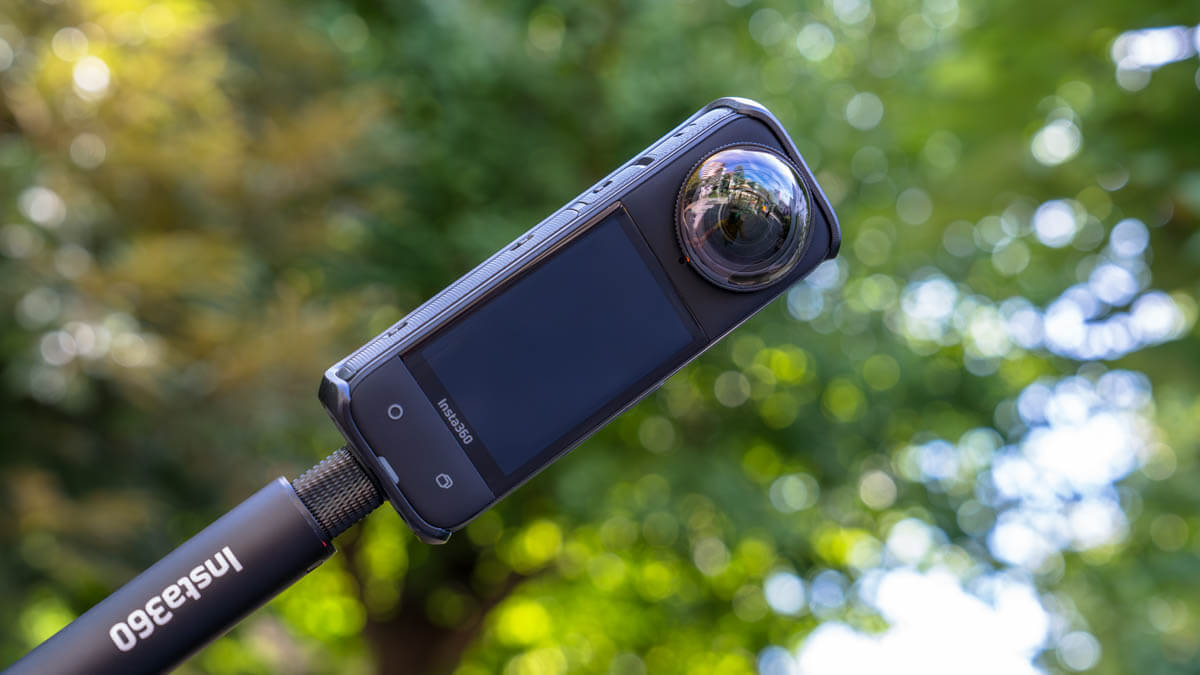
The X Series has been fully revamped this season with the long-awaited " X4 ." The latest model boasts comprehensive upgrades over its predecessor, including 8K/30FPS and 5.7K/60FPS video quality thanks to a high-speed 5nm AI chip, a removable lens guard, a larger battery capacity, a larger touchscreen LCD, and gesture control.
To be honest, until I used the new Insta360 X4 (hereafter referred to as the X4) , I honestly didn't think that a 360-degree camera was more suitable than other cameras such as DSLRs or smartphone cameras, which can take better photos and videos, for outdoor activities in the snow-free season, such as regular hiking, trail running, and fishing.
However, after using the X4 The X4 not just the most advanced 360-degree camera a drone camera , easy-to-use action camera , and a convenient compact digital camera .
the X4 from the manufacturer , so I was able to use it thoroughly for about two months, mainly for mountain climbing and other outdoor activities. I'll be reviewing what I learned and felt after trying it out, in accordance with the site's policy. I'd also like to occasionally share my own ways of using the X4 activities.

I've been using 360 cameras since the X2, but now that I have the new Insta360 X4, I'll never go back to being outdoors without it, not just for skiing in the winter, but all year round
table of contents
- Key Features of Insta360 X4
- Detailed impressions - What has evolved? How useful is it outdoors?
- Although the size has increased slightly, the body is still compact and stable
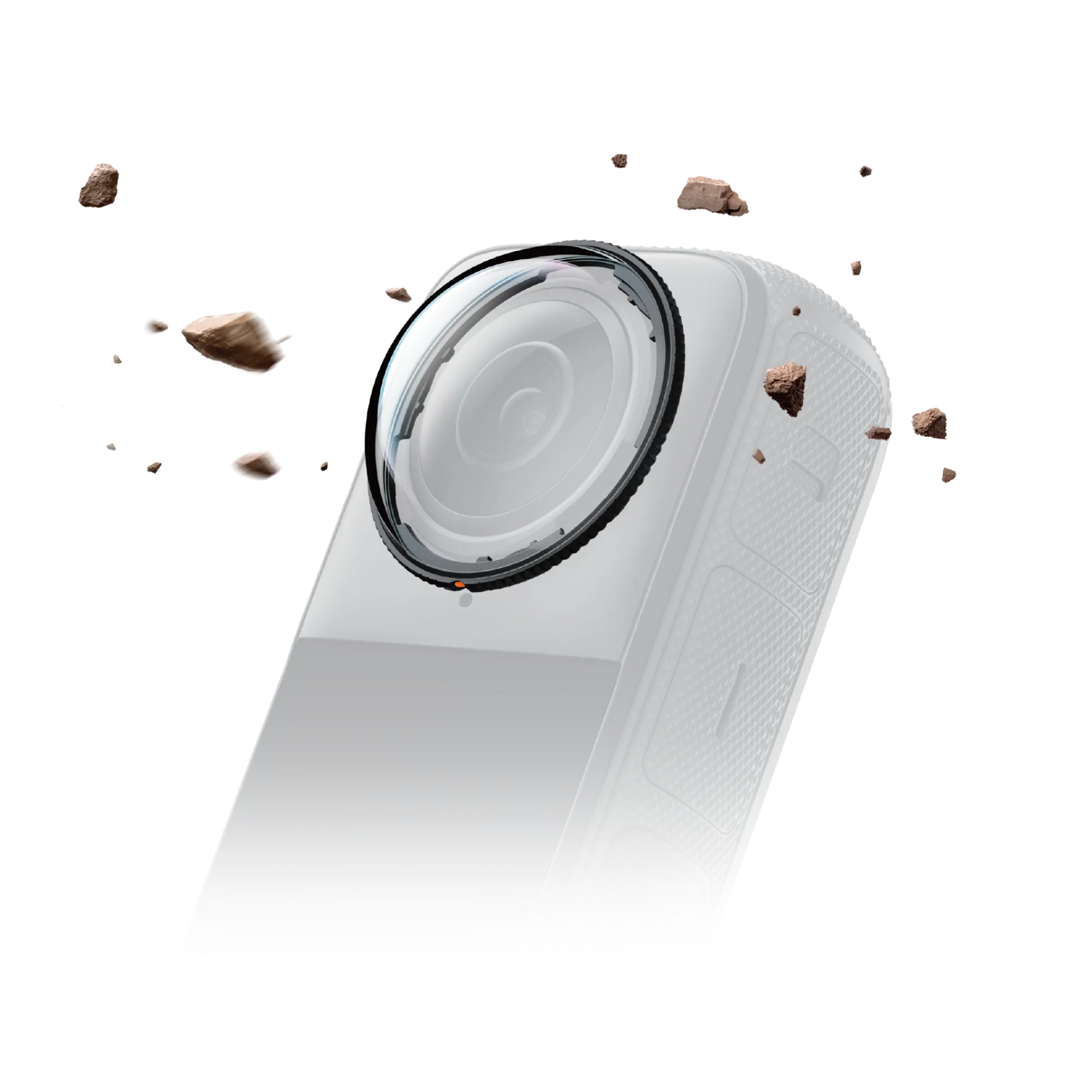
- Removable lens guard for easier use
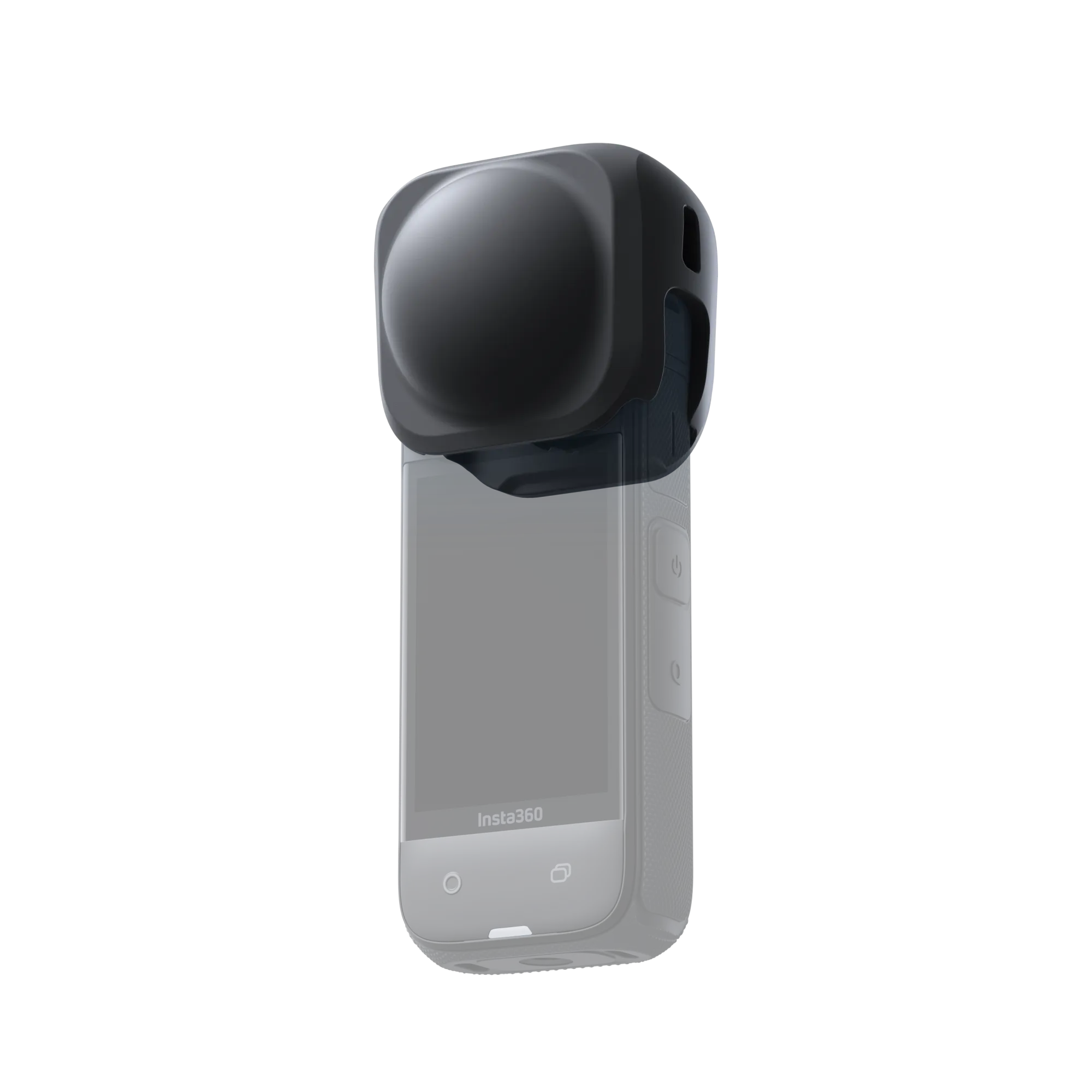
- Use the included soft case for portability. Optional silicone cap is also convenient
- With improved image quality to 8K30FPS and 5.7K60FPS, you can enjoy impressive quality even when re-framed for social media or YouTube
- The true value of a 360-degree camera. High-quality footage from a drone's perspective, including yourself and the background with an invisible selfie stick
- Large touch screen for easy operation
- Battery life is also decent
- Other great features for mountain and outdoor activities: Water resistant to 10m, cold-resistant to -20°C, and gesture control
- "GPS Preview Remote Control" is the ultimate weapon for professional photography
- Can also be used as an action camera capable of shooting up to 4K 60fps
- After roughly shooting in 360 degrees, you can easily reframe and adjust the image quality in an editing app, so you can smoothly create the video you want
- Summary: This is the best outdoor action camera available today, allowing you to freely and variably express the excitement of outdoor activities with just one camera
Key Features of Insta360 X4
What I like about the Insta360 X4
- High image quality up to 8K30FPS, 5.7K60FPS
- (Though a little larger) Easy to carry size and light weight
- Combine it with an invisible selfie stick to capture drone-perspective footage unique to a 360-degree camera
- A highly flexible and easy-to-use editing app that allows you to intuitively reframe (edit the angle of view) after shooting
- Single lens mode that can also be used as a 4K60fps action camera
- Removable lens guard
- Battery life is also decent
- 10m waterproof & -20℃ cold resistance
- Image stabilization prevents screen shaking even when running
- Wide range of accessories and mount options
Points of interest for the Insta360 X4
- It's slightly larger and heavier than the previous model
- It tends to get hot when shooting in 8K
- 8K video files are large and take a long time to transfer to your smartphone
- Flare and ghosting caused by light reflection when the lens cover is attached (even the Premium Lens Guard cannot completely eliminate this)
Detailed impressions - What has evolved? How useful is it outdoors?
Although the size has increased slightly, the body is still compact and stable
The X4 is largely unchanged from its predecessor the X3
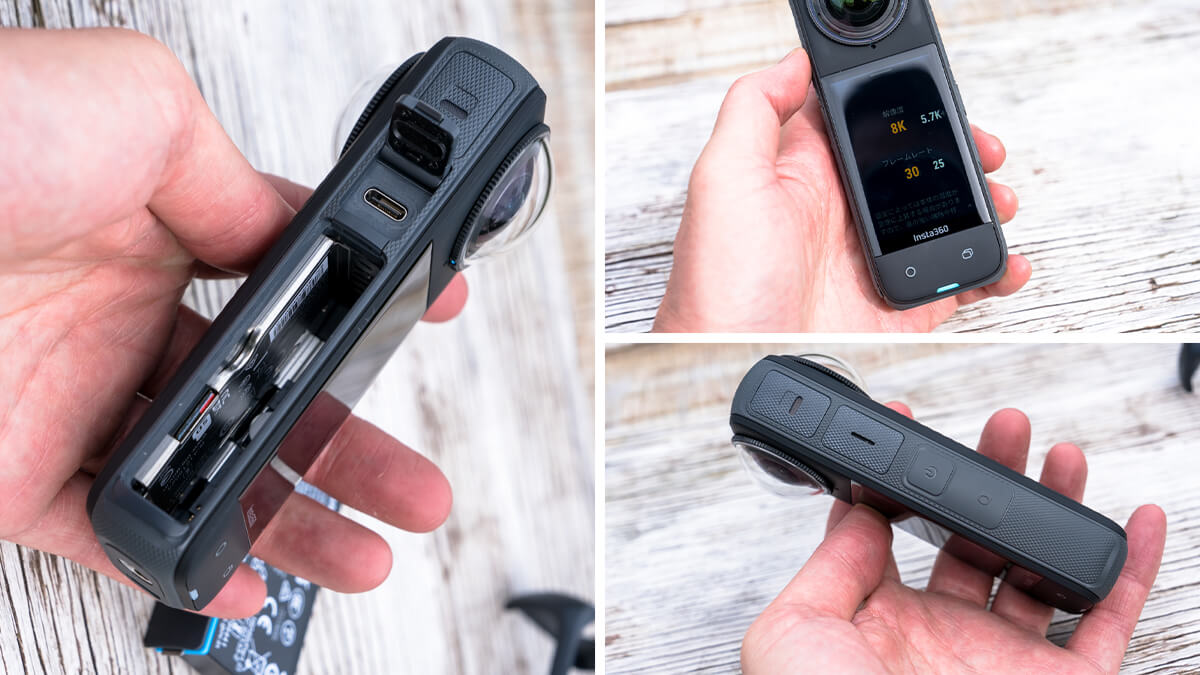
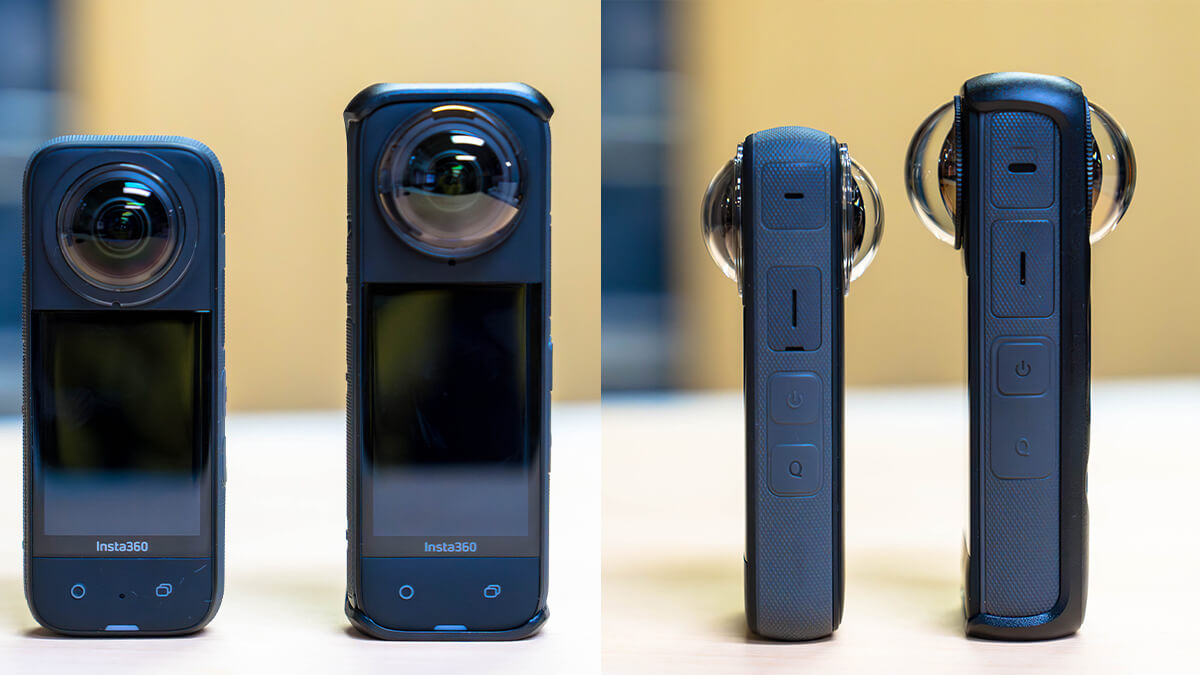
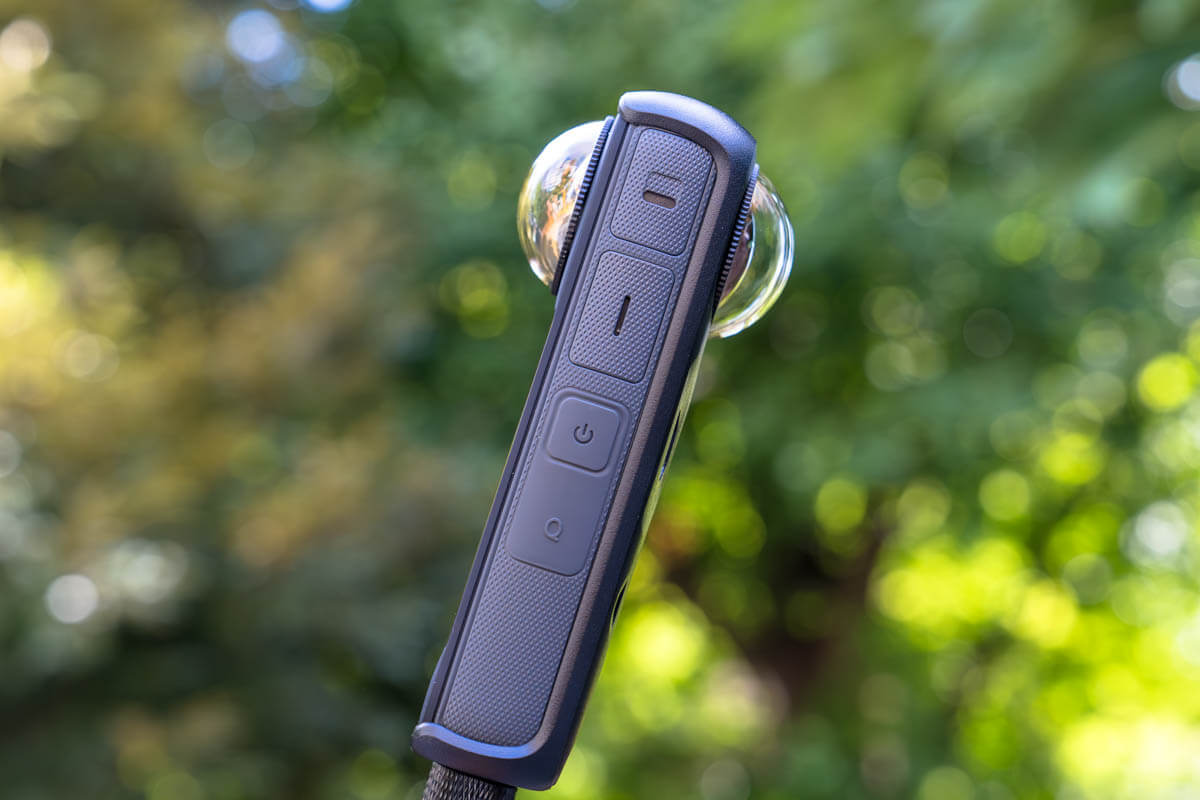
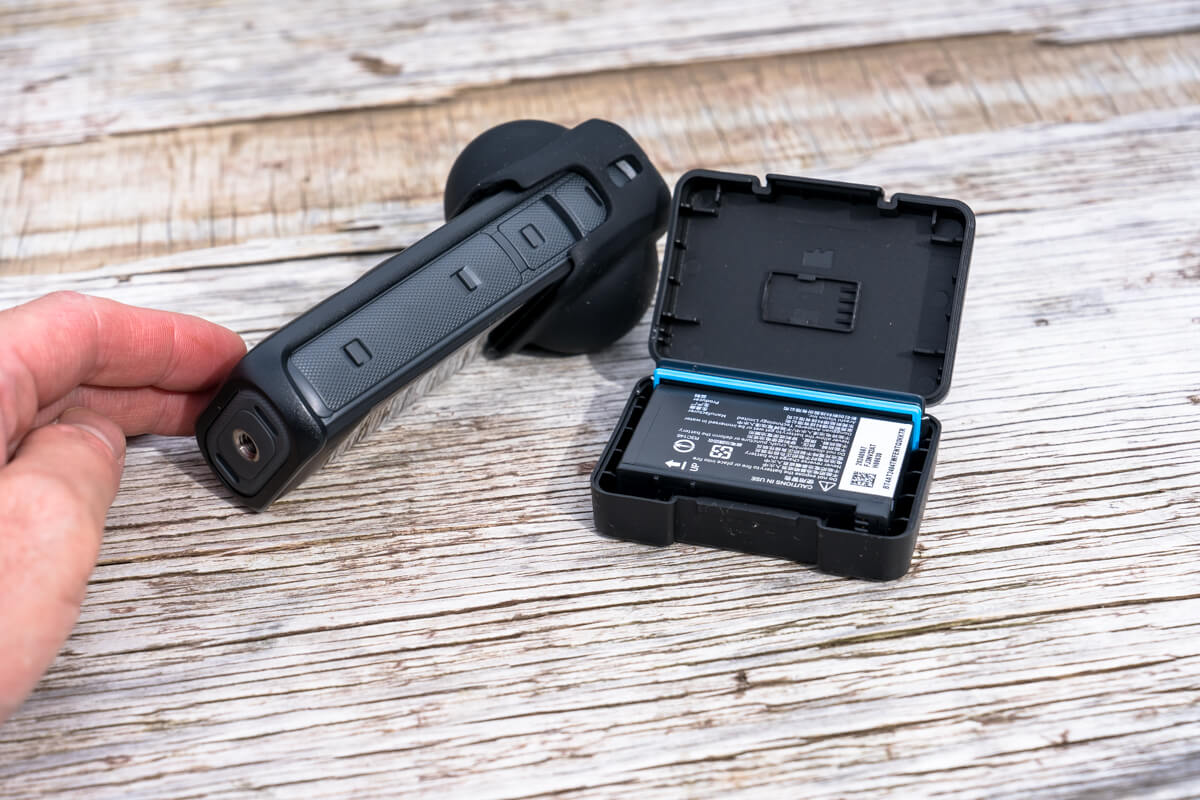
The physical buttons are the same as before, with a power button and a "Q (preset setting switch)" button that can be assigned to another function on the side, and a shooting button and a mode switch button (which can also be assigned to another function) on the back, for a total of four buttons (top right, bottom in the photo below). All of these buttons can be pressed easily even while wearing gloves. The left side is also home to the battery, memory card slot, and USB-C port, but they are still well-sealed and durable, and are as easy to use and reliable as ever (photo below left)
The only changes to the exterior seem to be the textured pattern on the body and the presence or absence of a removable "thermo grip cover." The textured pattern not only makes it easier to grip, but also increases the surface area, improving heat dissipation. Furthermore, when combined with the thermo grip cover, heat generation during 8K shooting can be further reduced. This is the flip side of the fact that the increased image quality has made heat generation a more severe issue, but in any case, the appearance continues to be the same as the previous model and I have no complaints

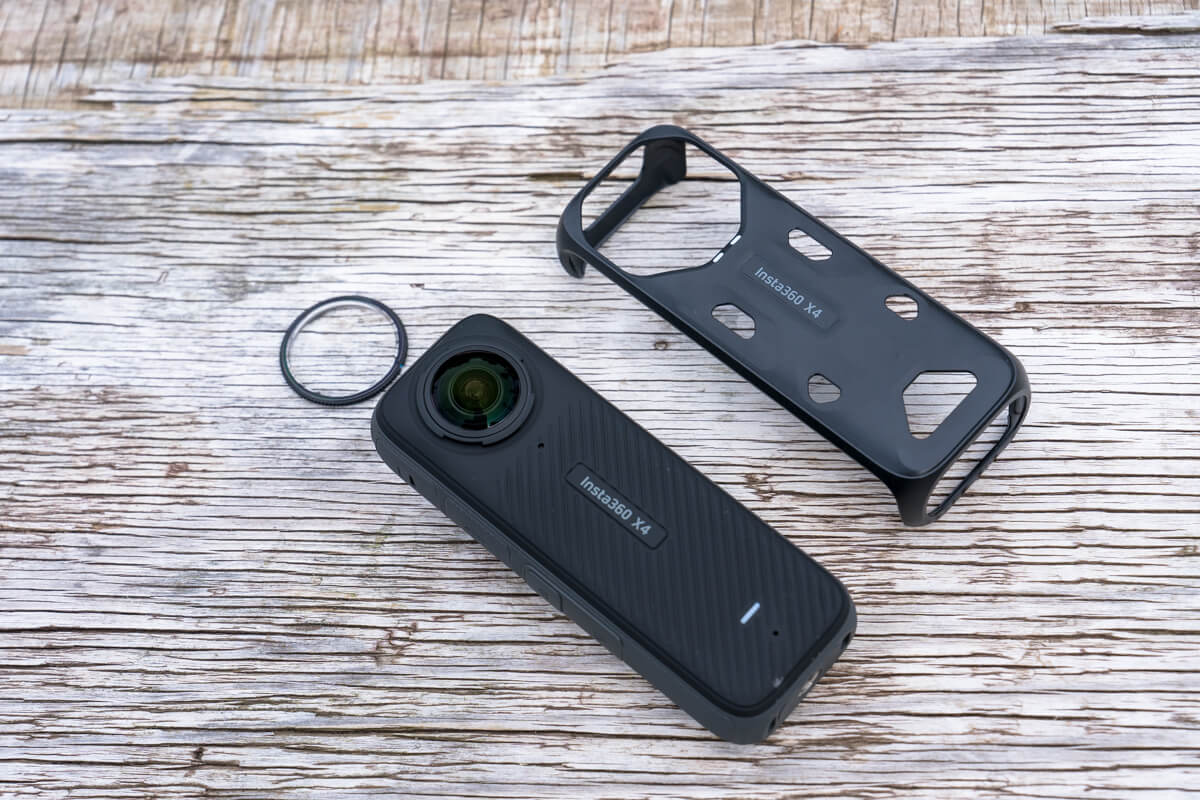
When using the Insta360 X4 outdoors, in addition to the main body, you will need a set that includes a removable lens guard, a grip, and a thermo grip cover to prevent heat buildup
On the other hand, it's a little disappointing that the new model is slightly heavier (measured with cover from 181g to 220g) and longer (114mm to 123.6mm) than the previous model (see photo below). This is apparently due to the larger battery, so it may be unavoidable, but while the current model is quite compact, if it were any larger or heavier it would be a bit of a problem, and I felt it was on the edge of that limit

Size comparison between the X3 (left) and X4 (right). The X3 is about 20% heavier and 8% taller, and it feels a bit bulkier when you hold it

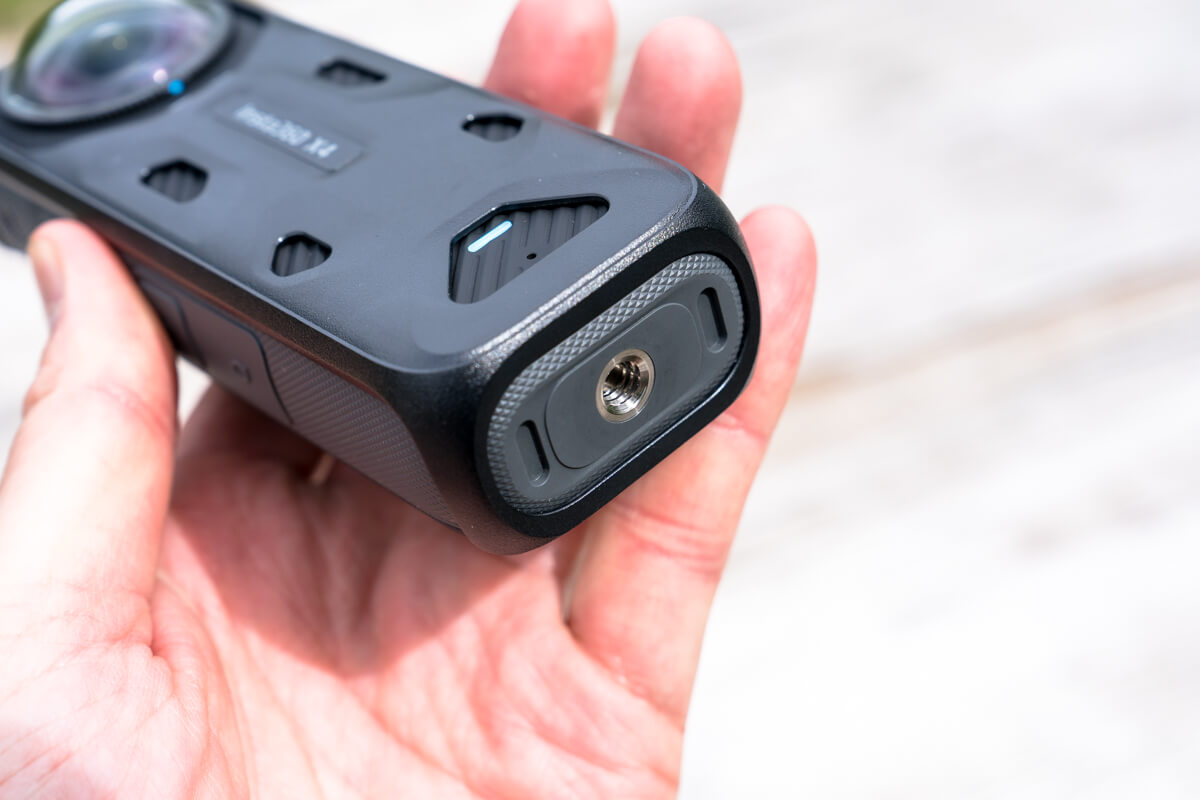
The bottom is equipped with a receiver mount with a 1/4-inch screw, the same as a typical tripod screw
Removable lens guard for easier use
Due to the structure of 360-degree cameras, the fisheye lens must protrude from the body, and I believe a lens guard is absolutely essential for use outdoors where there are many obstacles. However, attaching this lens guard (just like the "lens protection filter" on an SLR) can be troublesome as it can easily cause flare and ghosting due to reflected light, which can degrade image quality. What's more, with the X3 was attached to the lens with strong double-sided tape, so once attached, it could never be removed until it broke.

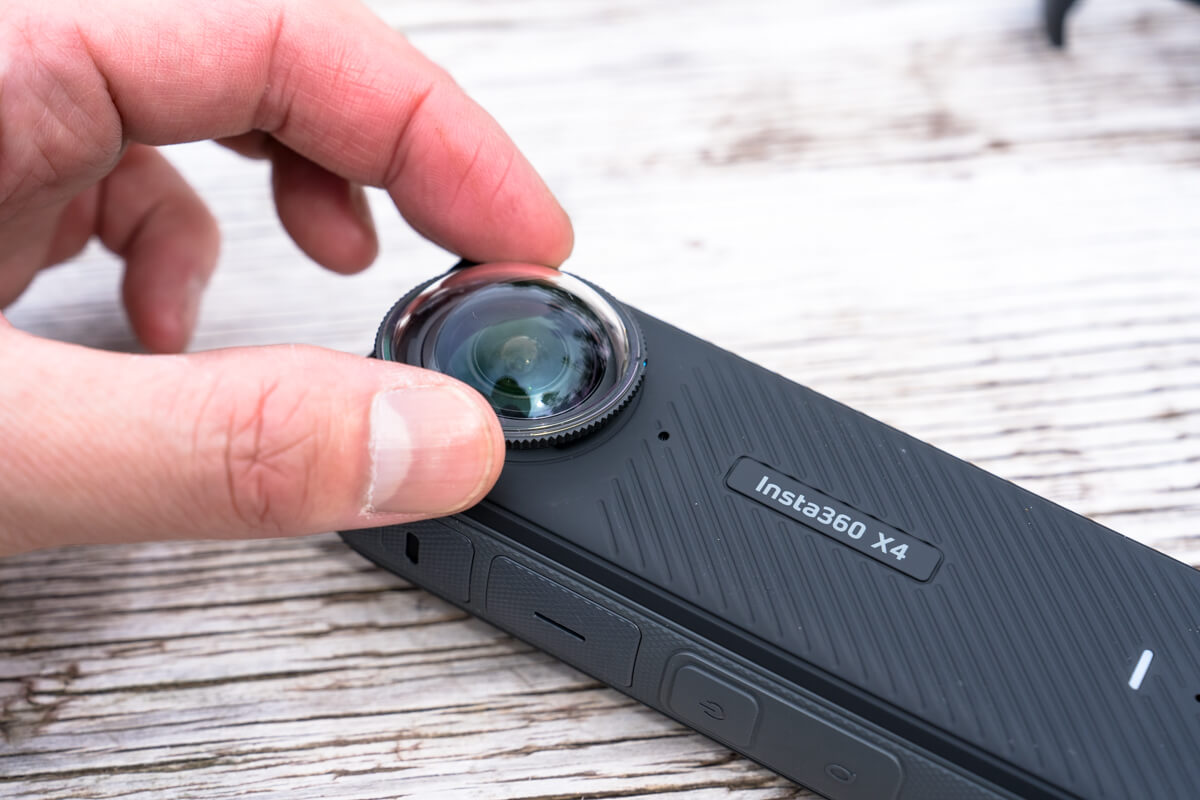
With the X4, the lens guard (included as standard) can now be removed multiple times, greatly improving usability
With the X4 now X3 users have likely desired, makes it possible to easily remove the lens guard when shooting in a safe location or when you want to prioritize image quality (see photo above).
What I personally find most pleasing is that, in winter, when I suddenly go from a warm room to a cold outdoor environment, the inside of the lens guard would often condense, so now I can remove the lens guard and wipe off the condensation inside. I haven't tried it yet because it hasn't been a full winter yet, but as someone who uses it a lot in winter, it's a real blessing

When the premium lens guard is attached, it is clearly less susceptible to scratches than the standard lens guard
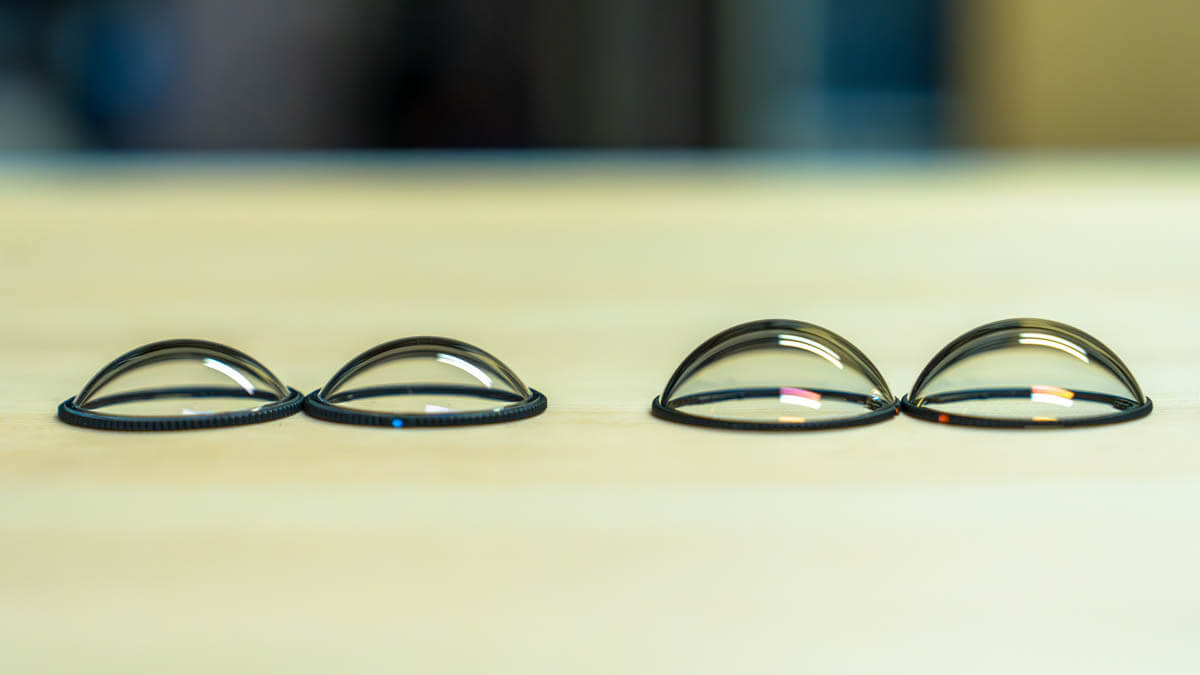
A premium lens guard is also available as an optional extra (pictured above). This is made of tempered glass designed to be more resistant to impacts and scratches, and we tested it in addition to the standard guard in this test, and the premium was clearly more scratch-resistant (in fact, it didn't get scratched at all). Incidentally, it is advertised as improving optical performance and image quality, but in my personal impression, although it feels a little clearer, it didn't improve the image dramatically. After all, if you want to improve image quality, it's best to go without the lens guard. However, it's not completely different, so as long as you don't have excessive expectations, you'll feel like you've gotten a great deal
In any case, I ended up scratching the standard lens guard many times while climbing and skiing through the wooded areas of snowy mountains, and had to replace it with a new one each time, so from now on I'm going to be using the premium lens guard when I venture into tougher areas like mountain streams and snowy mountains

Compared to the standard lens (left), the premium lens (right) made of tempered glass has a slightly larger spherical surface
Use the included soft case for portability. Optional silicone cap is also convenient
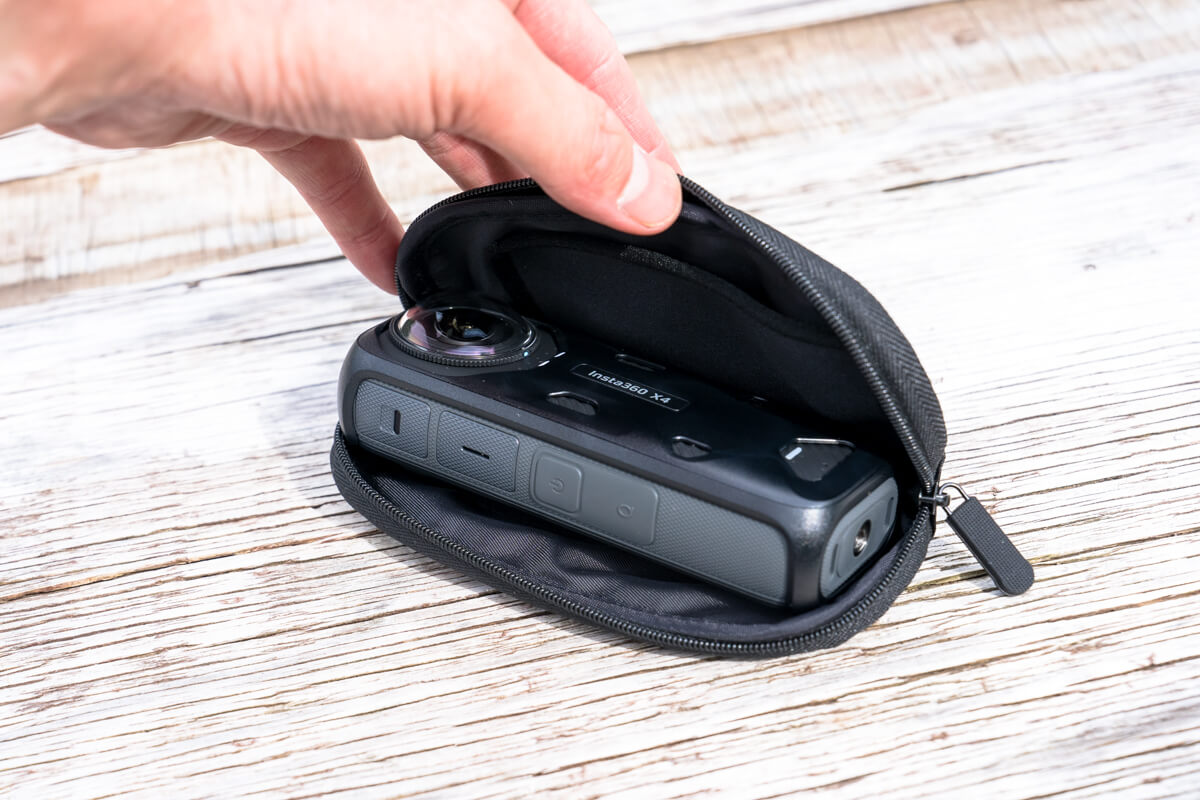
The lens guard protects the lens while shooting, but it also comes with a case for storing it when you're carrying it around (see photo below). This case has a built-in cushion pad, which is convenient because it can be put on even when the body is attached to a selfie stick or similar
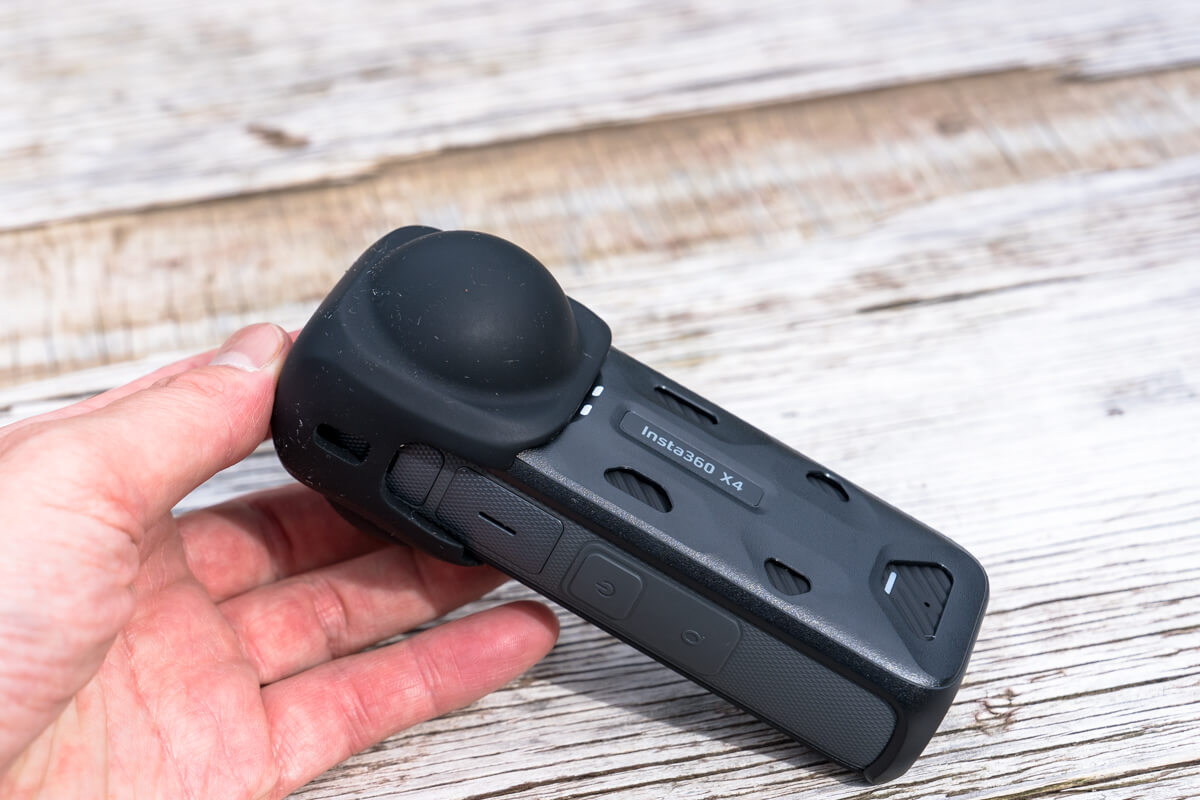
I continue to use the separately sold silicone cover "Insta360 X4 Lens Cap" that I the X3
What I like about this product is that it's not only lightweight and compact, but also easy to put on and take off, which is perfect for my style of use, where I often take things in and out
With improved image quality to 8K30FPS and 5.7K60FPS, you can enjoy impressive quality even when re-framed for social media or YouTube
The X4 has been completely upgraded in terms of image quality and video capabilities. In particular, 360-degree video quality has the X3 's "maximum 5.7K/30FPS" to "maximum 8K/30FPS or 5.7K/60FPS," finally reaching the 8K mark. Slow motion mode has also been improved from "3K/100FPS" to "4K100FPS."
Before evaluating this video quality, I'll first explain how I mainly use my 360-degree camera: I rarely use the footage I shoot as is to enjoy it as a 360-degree VR video with a full view of the surroundings. In most cases, I use an editing app to crop (reframe) the angle of view I need after shooting and enjoy it as a portrait-oriented video for smartphones and social media, or a landscape-oriented video for PCs and YouTube. For this reason, I'd like to preface this by saying that all of the tests in this article were conducted with these reframe editing cases in mind
Furthermore, the "8K" or "5.7K" video quality of a 360-degree camera refers to the overall 360-degree video, so when you reframe a portion of the 360-degree video as mentioned above, the cropped video will inevitably have a lower resolution than the specs, resulting in a video that is still inferior in quality to modern high-definition action cameras, etc. The limitations of this are the X3 's "5.7K," and it's inevitable that the graininess will become more noticeable when you zoom in to trim the video just right.
However, the X4 , the processor has improved image quality from 5.7K to 8K, so you can get very high image quality even when reframing. When you actually use it, you can see that the video image is very sharp and clear even when reframed to 16:9. Considering that it is footage to be posted online, the image quality is well within the acceptable range, even compared to the high image quality of action cameras.
The lens stitch lines often seen in 360-degree camera footage have also the X3 , and appear to be barely noticeable. These seams can be adjusted significantly by specifying not only whether or not to use a lens guard, but also the type, and this adjustment can be made in post-production, so there's no need to worry even if you didn't set it correctly when shooting. Incidentally, according to the official blog, there are some shooting tips like the one below that can help make stitch lines less noticeable, so keeping them in mind can also help.
- Make sure the main subject is not on the stitching line to the side of the camera
- Please do not rotate the camera while shooting, as a fixed camera position will make it easier for the stitching algorithm to align the footage
- Do not stand too close to the camera. If possible, keep a distance of 1m from the camera
- Shoot at an angle that will prevent noticeable stitch lines when reframed into a flat image after shooting
However, one thing that bothered me was the X4 captured clear, crisp images in bright outdoor conditions, noise became noticeable and details were lost indoors or in a dark, shady forest. It's clear that the camera is trying its best, so it's not completely unusable, but there's a significant difference between bright and dark settings, and it might be best to consider it unsuitable for shooting in very dark places or at night (although this generally applies to all action cameras with small sensors). It's unavoidable given the trade-off between size and image quality.
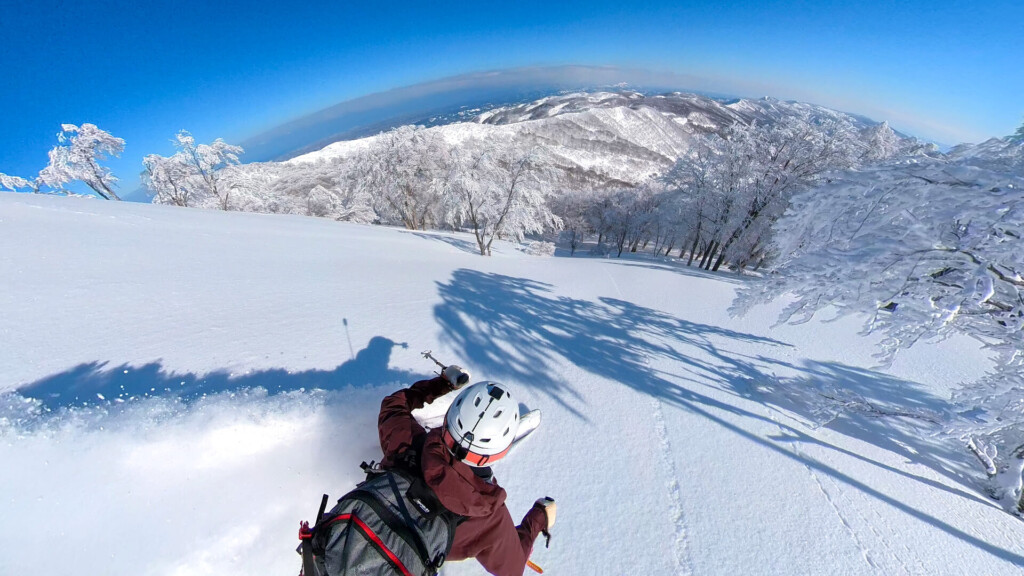
The X4 also boasts average performance improvements in higher frame rate modes, which are better suited for faster-moving activities and slow-motion shooting. New options include the ability to shoot 5.7K video at 60 fps, 4K at 100 fps, and 4K at 60 fps when shooting in wide-angle mode. While I personally won't use this feature much for spring and summer activities, it's sure to be a boon for motorcyclists and winter skiers.
The true value of a 360-degree camera. High-quality footage from a drone's perspective, including yourself and the background with an invisible selfie stick
This is the main reason why I take a 360-degree camera with me to the mountains

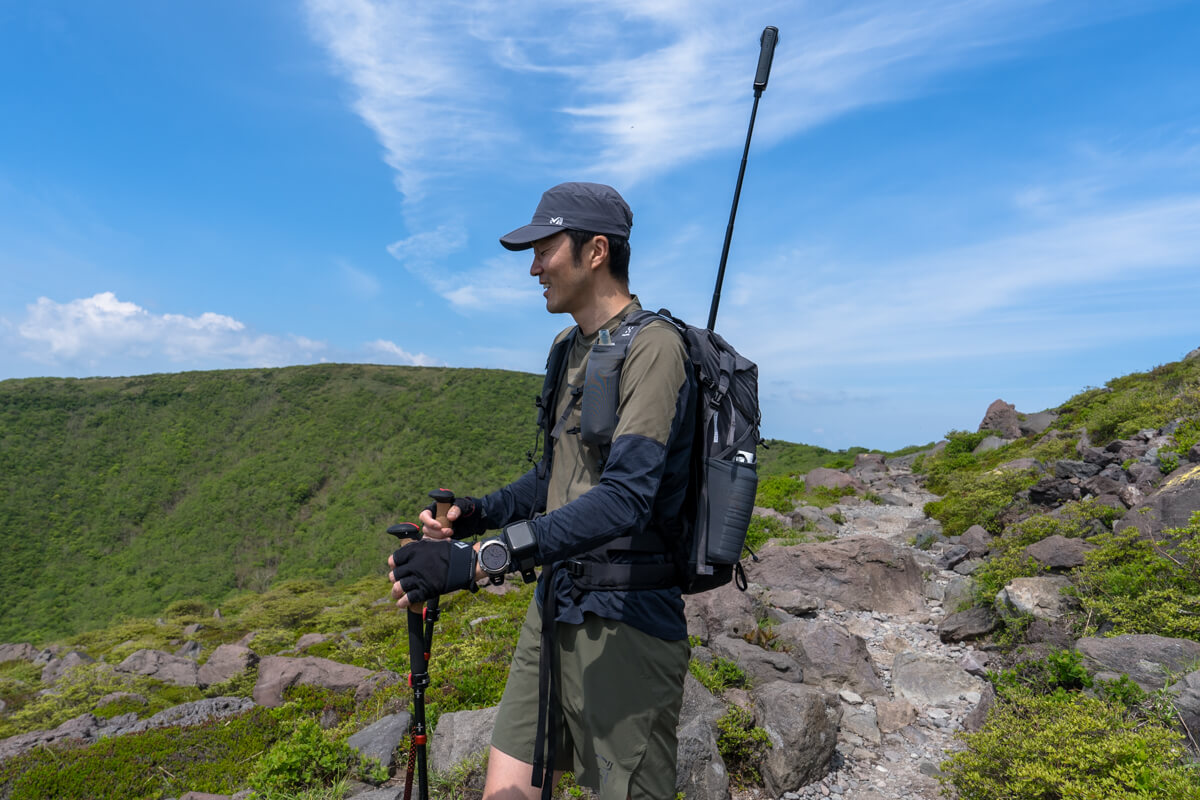
I took the photo with a selfie stick inserted into the side pocket of my backpack. In reality, I would have preferred to angle the camera a little further forward or backward to capture a cooler shot of myself and the scenery
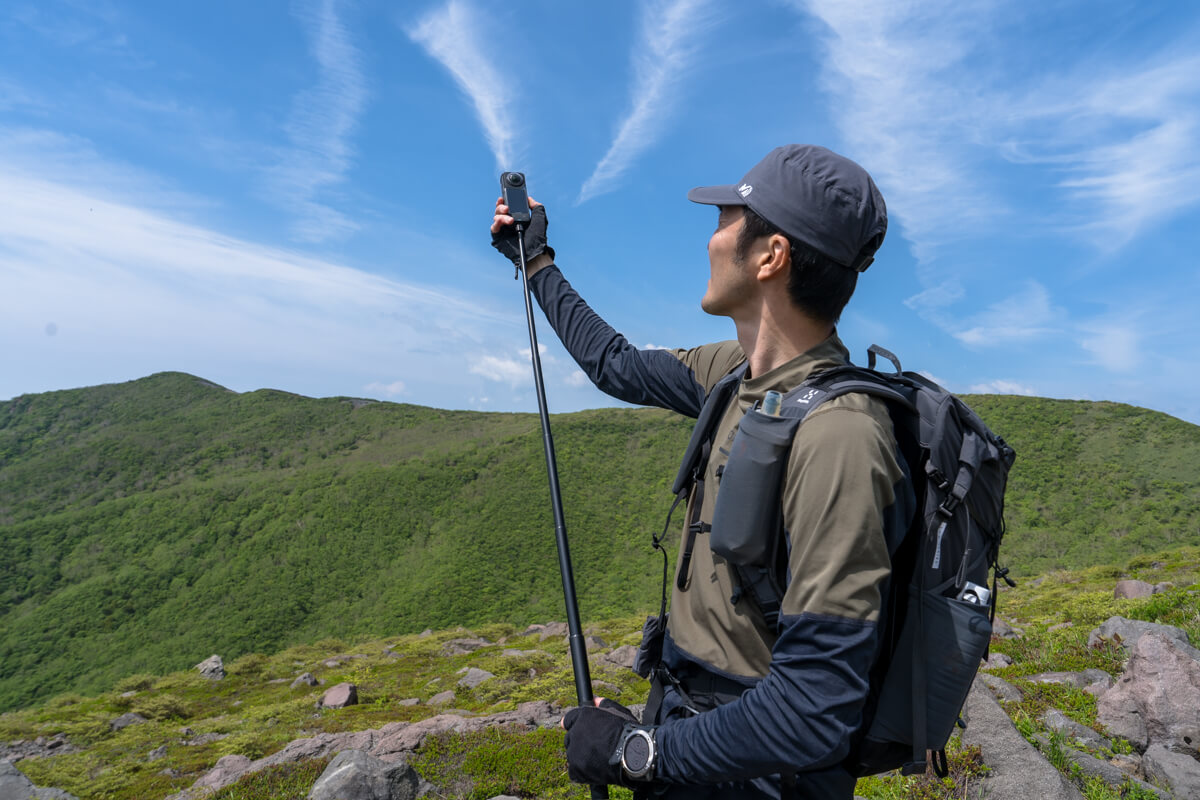
the X4 to a selfie stick, extending it and pointing it diagonally upwards while walking (or sticking it in a side pocket of your backpack), you can easily capture footage of yourself walking down a trail and the scenery, as if it were shot from a low-flying drone.
Taking selfies with an action camera requires a lot of effort, especially since you have to constantly check the composition to ensure the shot is well-composed. And, most importantly, the selfie stick always appears in the frame, making it impractical. 360-degree cameras, on the other hand, constantly capture video footage from all directions, eliminating the need to worry about whether the subject is in the frame. Simply set up the camera and press record. Then, adjust the angle and field of view during editing. This "shoot now and reframe later" feature is what makes 360-degree cameras such irreplaceable companions (cameras). Furthermore, even if you're holding a selfie stick, it's hidden from view during the recording process (the "invisible selfie stick" feature). This ultimately results in footage that appears as if the subject isn't holding anything and was captured from a drone
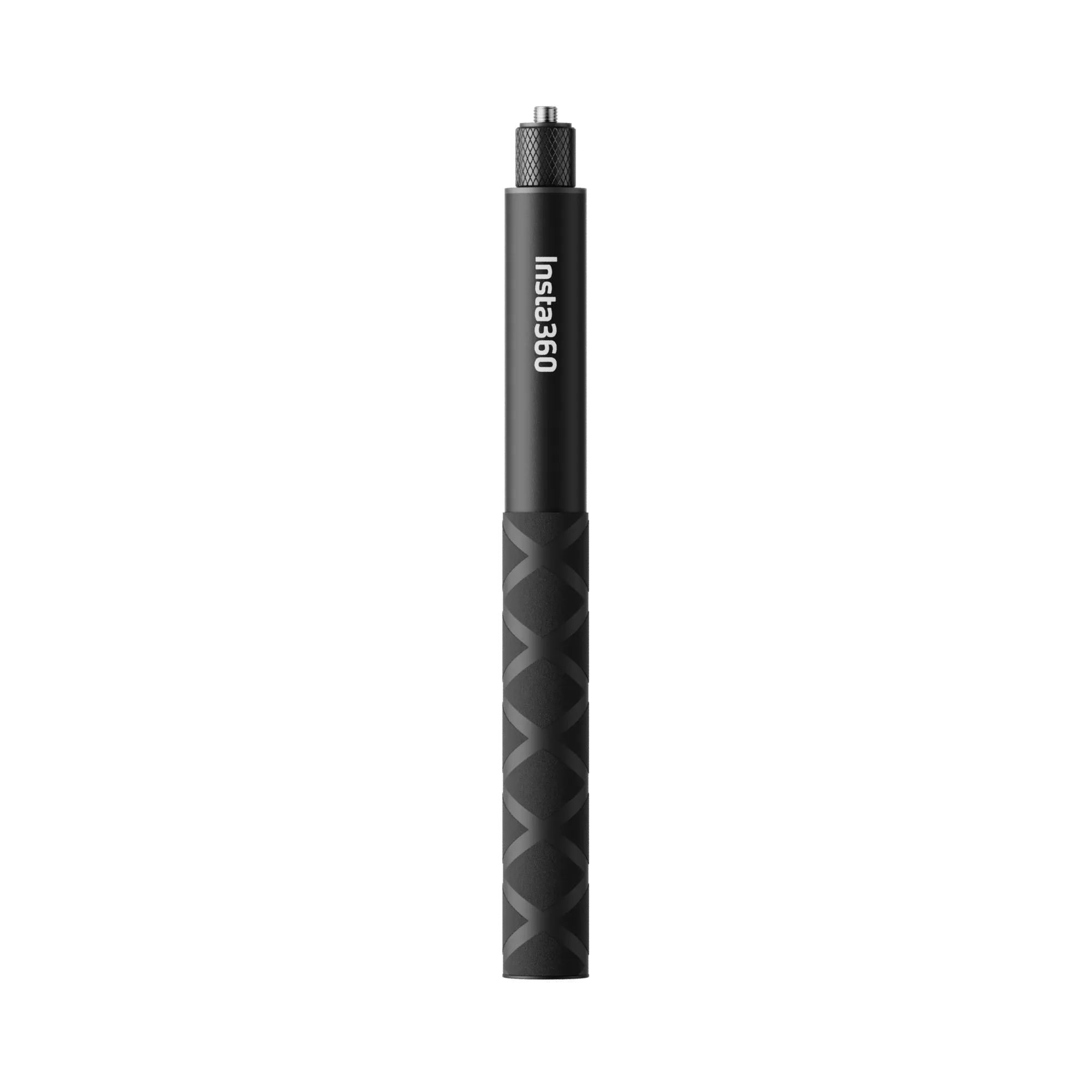
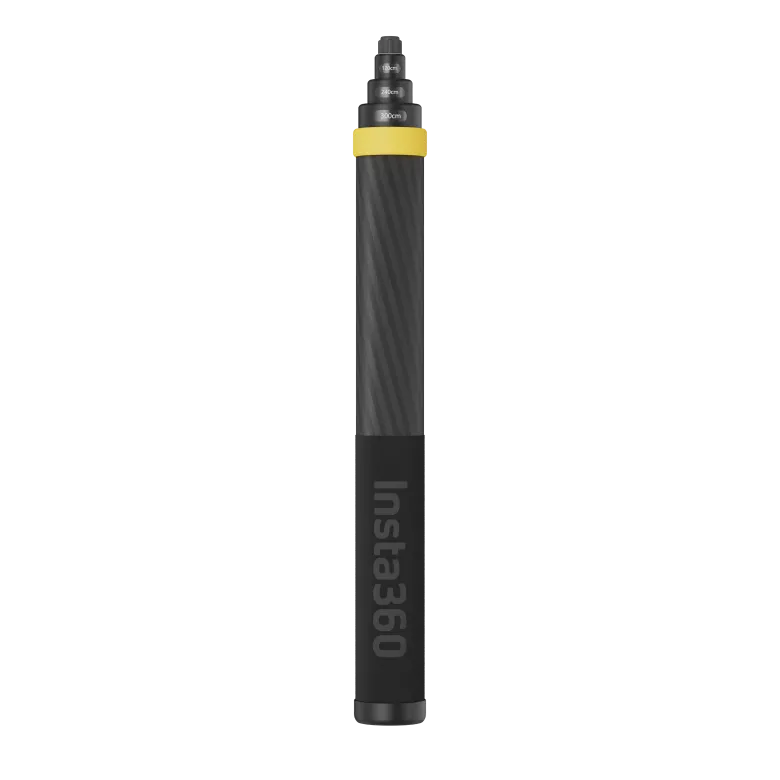
The selfie stick I always carry with me when hiking or running is 114cm long. Even at this length, I can easily create footage that looks like it was taken by a third party by simply carrying it over my shoulder, pointing it diagonally forward, or sticking it in my backpack

A 1m selfie stick is a must-have not only for outdoor activities but also for 360-degree photography
Another problem that can arise when using a selfie stick to shoot while speed hiking or running is camera shake, but the X4 also comes equipped with image stabilization, a feature that's practically essential in action cameras these days, and it worked really well. The video below shows me walking normally up a mountain trail while holding a selfie stick, and then starting to run halfway through. Despite the fact that I was moving around quite hectic, the camera smoothly absorbed vibrations and kept the footage smooth at all times. This means I could use it for trail running with confidence.
On trips where I have a little more time and expect to see some great views, I bring along an "extra-long selfie stick" that can be extended to a total length of 3m. This allows me to take drone-style footage of my hikes with breathtaking views. Since drones are often prohibited on famous mountains, this tool is extremely useful and is a personal favorite of mine
*↑↑↑ If you extend a super long selfie stick to its limit and tilt it to the side, the weight will cause the stick to bend slightly and the base will not disappear
*↑↑↑ If you want to extend a super long selfie stick to its limit, lift it as straight up as possible and the stick will disappear all the way to the base without bending
Large touch screen for easy operation
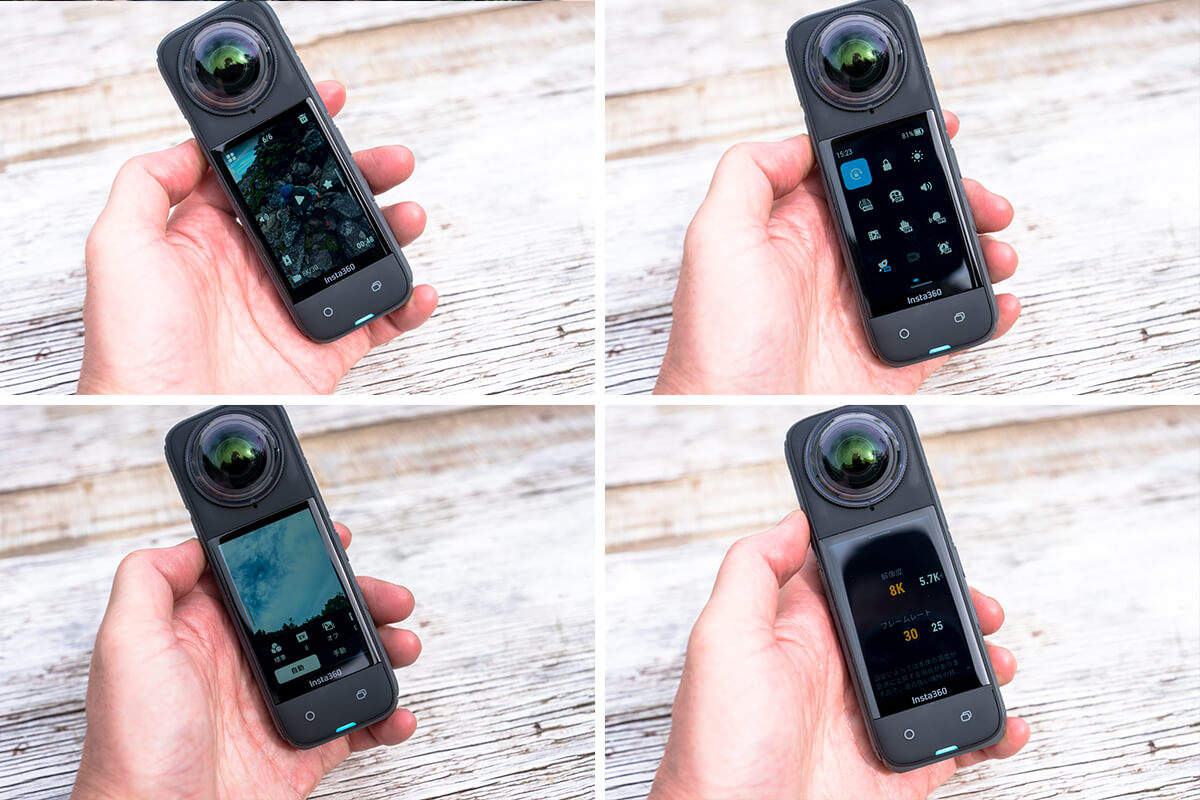
The 2.5-inch Corning® Gorilla® Glass touchscreen occupies a large space on the back, and is slightly larger and sturdier than the previous model's 2.29-inch screen. Visibility is excellent both as an operation screen and viewfinder, and while simple operations like shooting and power can be performed using physical buttons, the interface allows you to perform almost all other settings and detailed operations without any hassle
Battery life is also decent

Under normal use, continuous shooting is possible for over an hour, but it is a good idea to have a spare battery on hand just in case
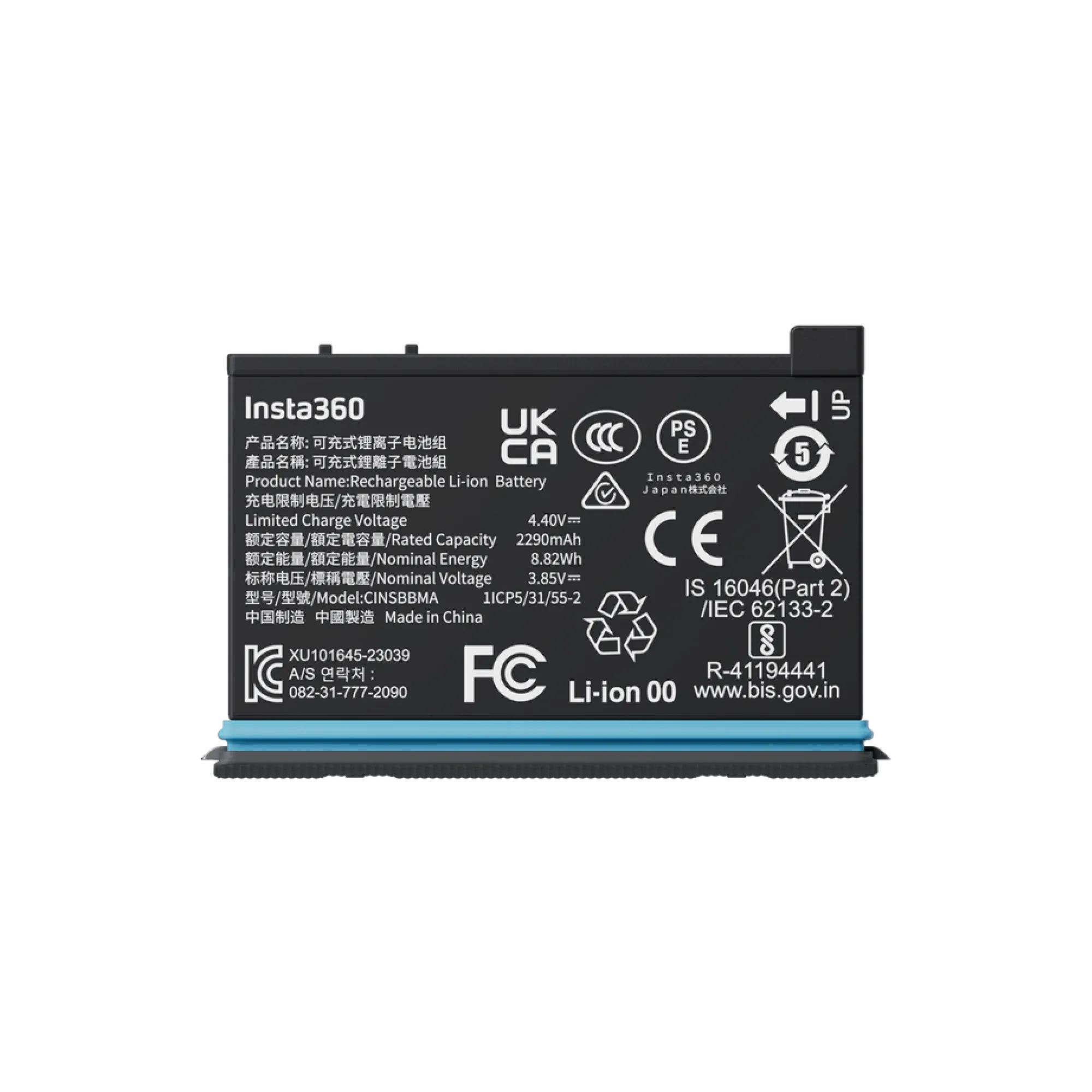
the new X4 's 8K video recording capability raises concerns about battery consumption, the increased from 1800mAh in the X3 the X4 the X3 , which was capable of 81 minutes of continuous recording at the highest quality setting of 5.7K/30FPS. Incidentally, the X4 achieves an impressive 135 minutes of battery life under the same conditions. It's safe to say that battery life the X3 . That said, it's still a good idea to have a spare battery on hand for overnight hikes or long treks.
In terms of overheating during filming, the X4 generally performed without any issues, and never stopped due to overheating during normal filming. However, the manufacturer has issued a warning about overheating when filming at 8K/30FPS, and depending on the environment, overheating may occur during extended recording. I personally found that the body of the camera became as hot as a hot pack within 10 minutes of recording in 8K. Caution is advised, especially during slow, windless daytime activities.
Other great features for mountain and outdoor activities: Water resistant to 10m, cold-resistant to -20°C, and gesture control
the X4 is waterproof up to 10m and cold-resistant down to -20°C, so you can use it outdoors all year round without any worries.
Additionally, the X4 now comes with a new AI gesture control feature that makes it easy to operate the camera when it's out of reach. While voice commands were available on the previous model (and are still available), with gesture control enabled, you can now start or stop recording simply by raising your palm (or making a peace sign), even when you're not in front of the lens. This gesture feature is extremely useful when using a standard selfie stick, so I wanted to use it more and more. However, when I attach the camera to a backpack and stretch it across my back, it's often difficult to capture the gestures, so I wasn't completely satisfied. It would be perfect if I could customize these gestures for myself
"GPS Preview Remote Control" is the ultimate weapon for professional photography

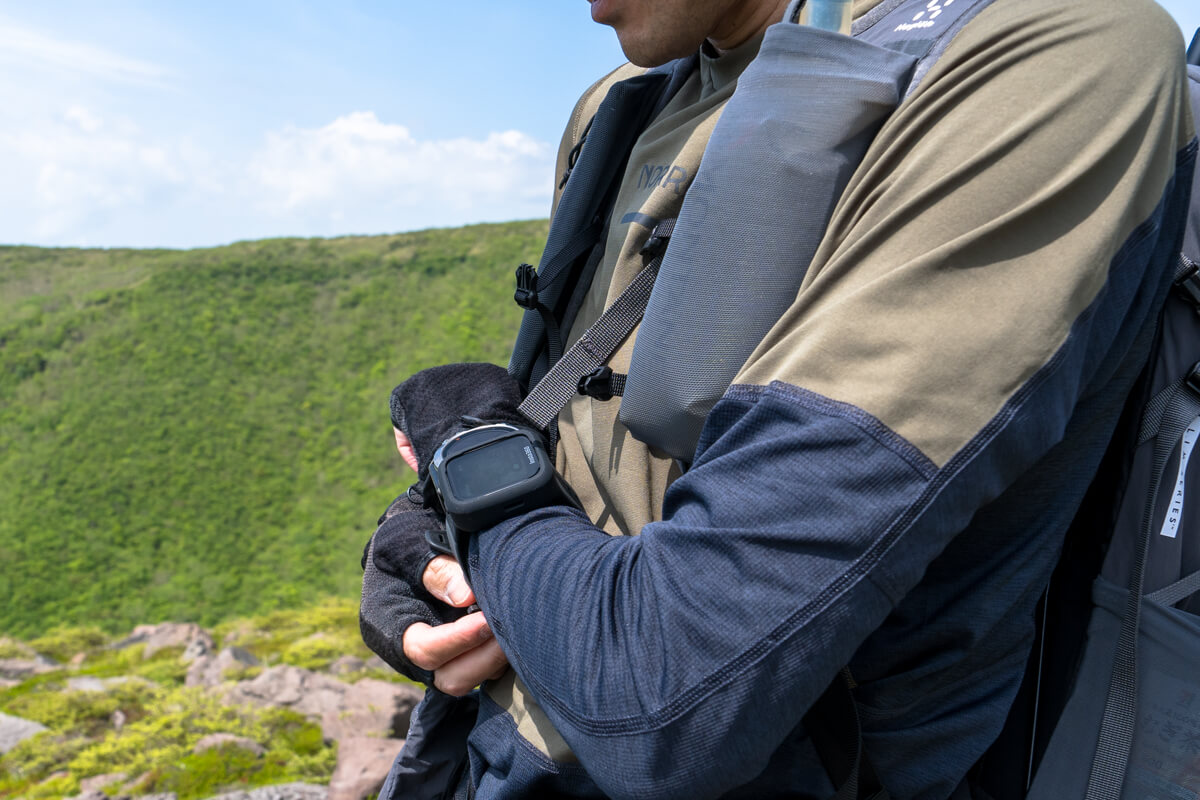
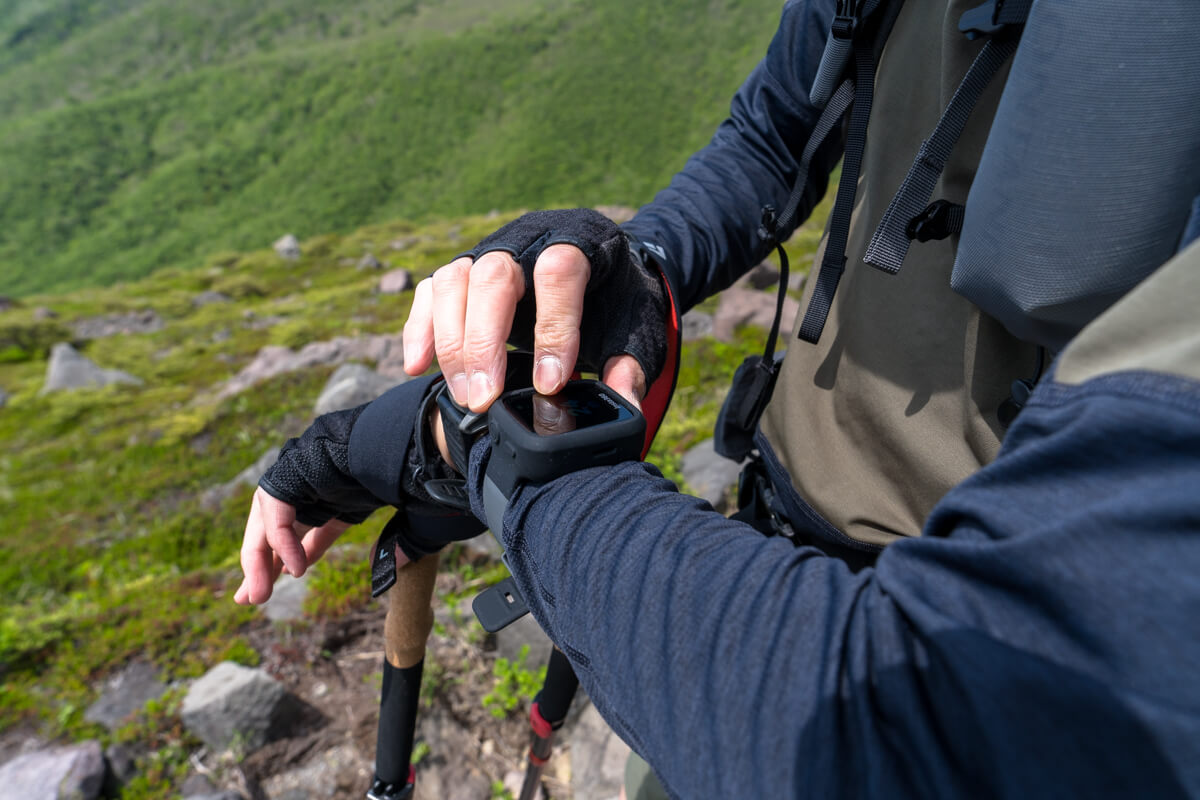
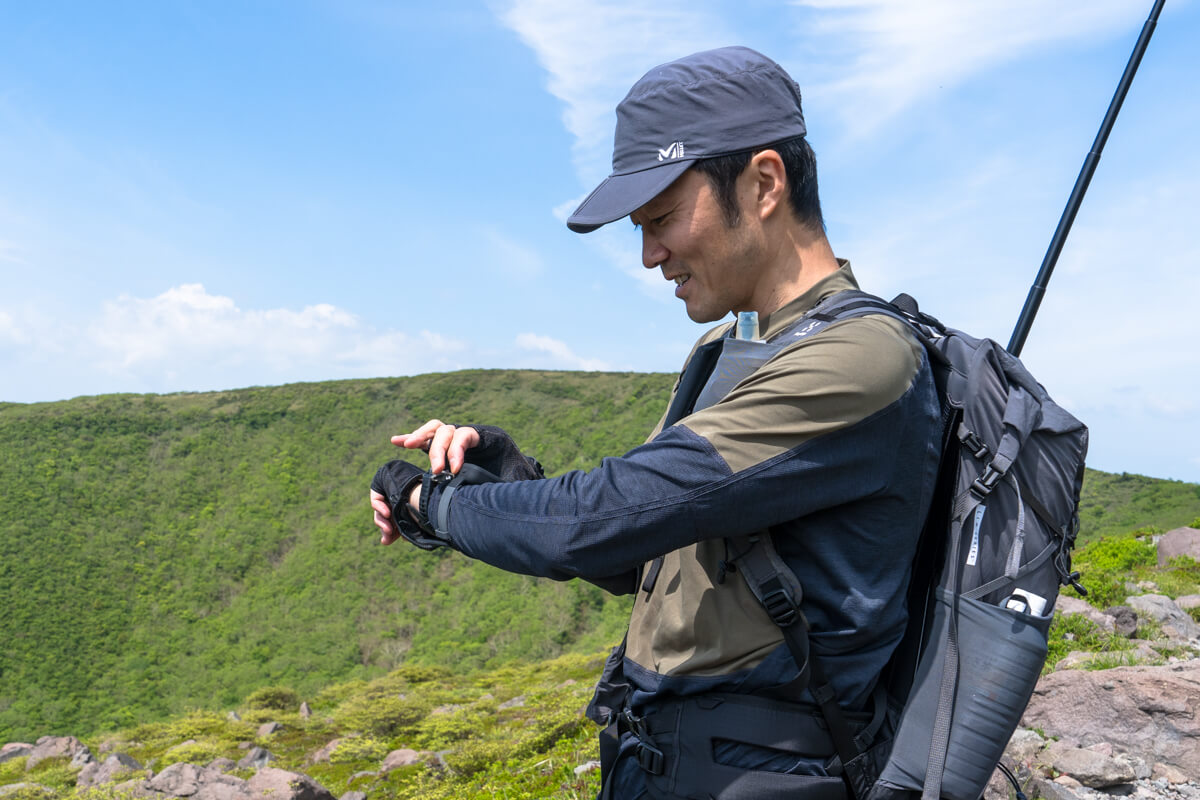
The GPS Preview Remote Control comes with a silicone band that can be attached to your arm or bicycle handlebars
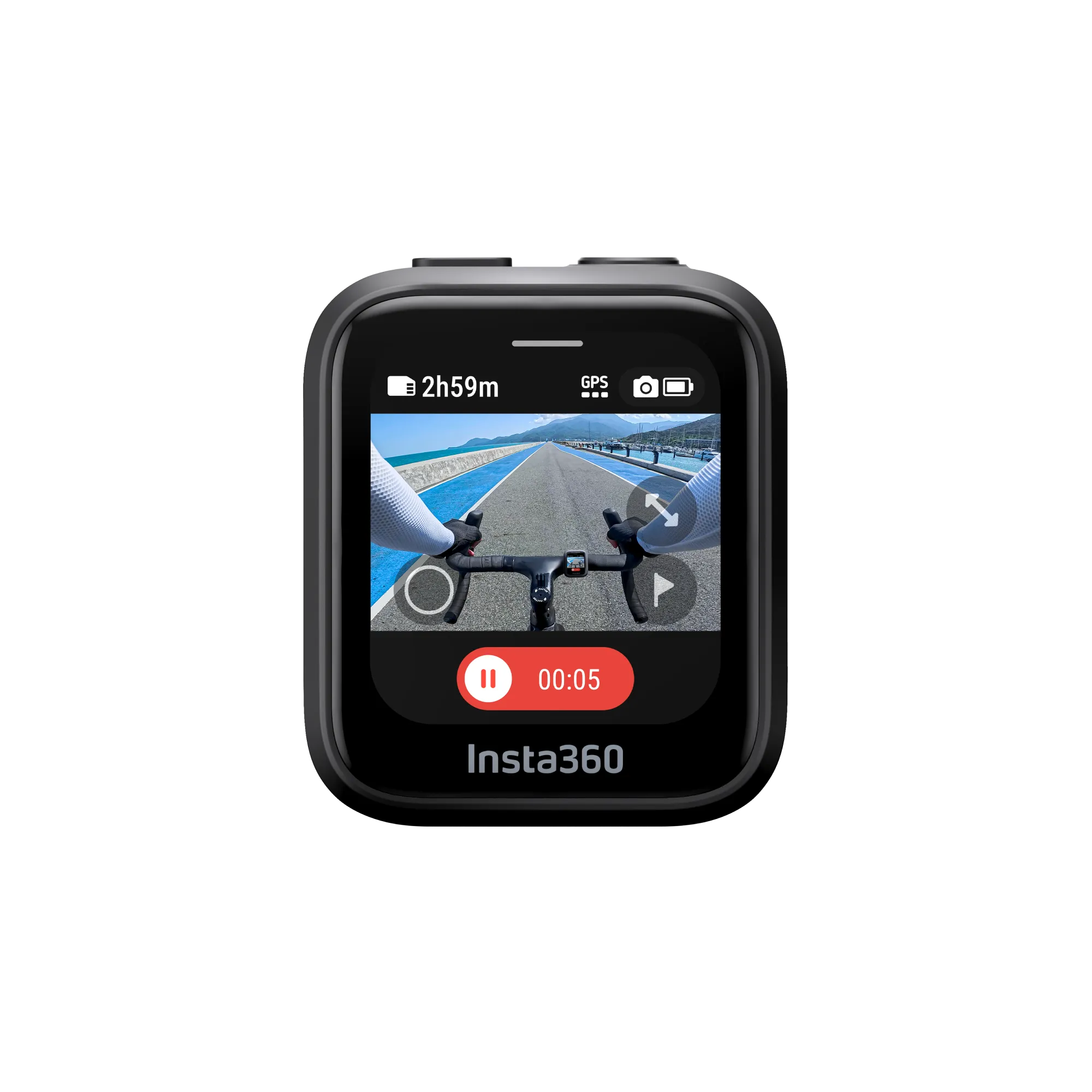
For me, the ultimate weapon was this separately sold "GPS Preview Remote Control." By linking this remote control the X4 , I can ① power on/off, ② live preview video, ③ start/stop recording, and ④ obtain GPS data in real time. It's only a few functions, but they are all critical and useful for me.

The touchscreen and physical buttons allow you to remotely control the camera, from powering it on and off
When shooting with a selfie stick attached to a backpack or similar, it's impossible to move the stick freely, which can make it difficult to control and makes it difficult to see what the shooting conditions are. For example, you might think you're filming a ski run only to find snow stuck to the lens, or you have to keep extending and retracting the selfie stick to power it on and turn the camera on and off. Also, while a 360-degree camera can capture the entire surroundings, where you place the viewpoint (camera) is important to reframe the shot and create the desired composition

You can now operate the camera even while it's attached to a selfie stick stretched out on your back, and you can check whether the image is being captured properly, making operation surprisingly easy
This eliminates all those risks and hassles. By extending the selfie stick, you can shoot while checking how you and the scenery are framed, and by using the GPS data acquired, you can create unique videos that incorporate data such as speed, route, and location, just like the one we created in our Ace Pro review
You can wear the remote control on your arm, or if you find it a bit cumbersome, you can attach it to the strap of your backpack. It's expensive, but having it will prevent you from missing a shot, and it's extremely convenient as it significantly reduces the hassle of operation, so soon after using it, I couldn't let go of this small remote control
Can also be used as an action camera capable of shooting up to 4K 60fps
Most people, including myself, the X4 for 360-degree video, but this camera has a variety of other uses. I used to think of it as just a bonus, but with the improved image quality, I feel it's now good enough to use.
One way to use it is as a wide-angle action camera in "Single Mode." Using only the front lens, you can capture video at up to 4K/60FPS quality. In this mode, you can attach it to a helmet or chest mount and shoot just like a typical action camera while using both hands to climb rock faces, or while riding a motorcycle, bicycle, or ski downhill
The other use is as a compact digital camera for taking still images. The photo resolution is the X3 , and you can take 4K pixel photos and 360-degree photos of about 72MP (see photo below). If you trim the peripheral distortion in post-processing, it works well (although not as well as the latest smartphones).
After roughly shooting in 360 degrees, you can easily reframe and adjust the image quality in an editing app, so you can smoothly create the video you want
Although I'm already familiar with the previous model, Insta360's video editing and exporting app is easy to use, allowing me to edit the footage I want without any hassle. This simple and sophisticated UI and stress-free exporting are excellent and could be one of the main reasons to use Insta360. Of course, software is available for PCs as well as smartphones, which is also convenient for detailed editing and management
However, one issue that wasn't present with the X3 the X4 we're increasingly shooting in 8K, which results in significantly larger file sizes. Transferring footage to a smartphone over WiFi, as was previously the case, takes a significant amount of time and consumes a lot of battery power, which can be quite frustrating. While it's possible to edit videos over WiFi without transferring them to a smartphone, this can be difficult due to the slow processing time and difficulty in editing unless the smartphone's performance and connection are extremely good. Therefore, it's more practical to edit videos after transferring them to a smartphone.
For this reason , if you frequently shoot 8K video with the X4
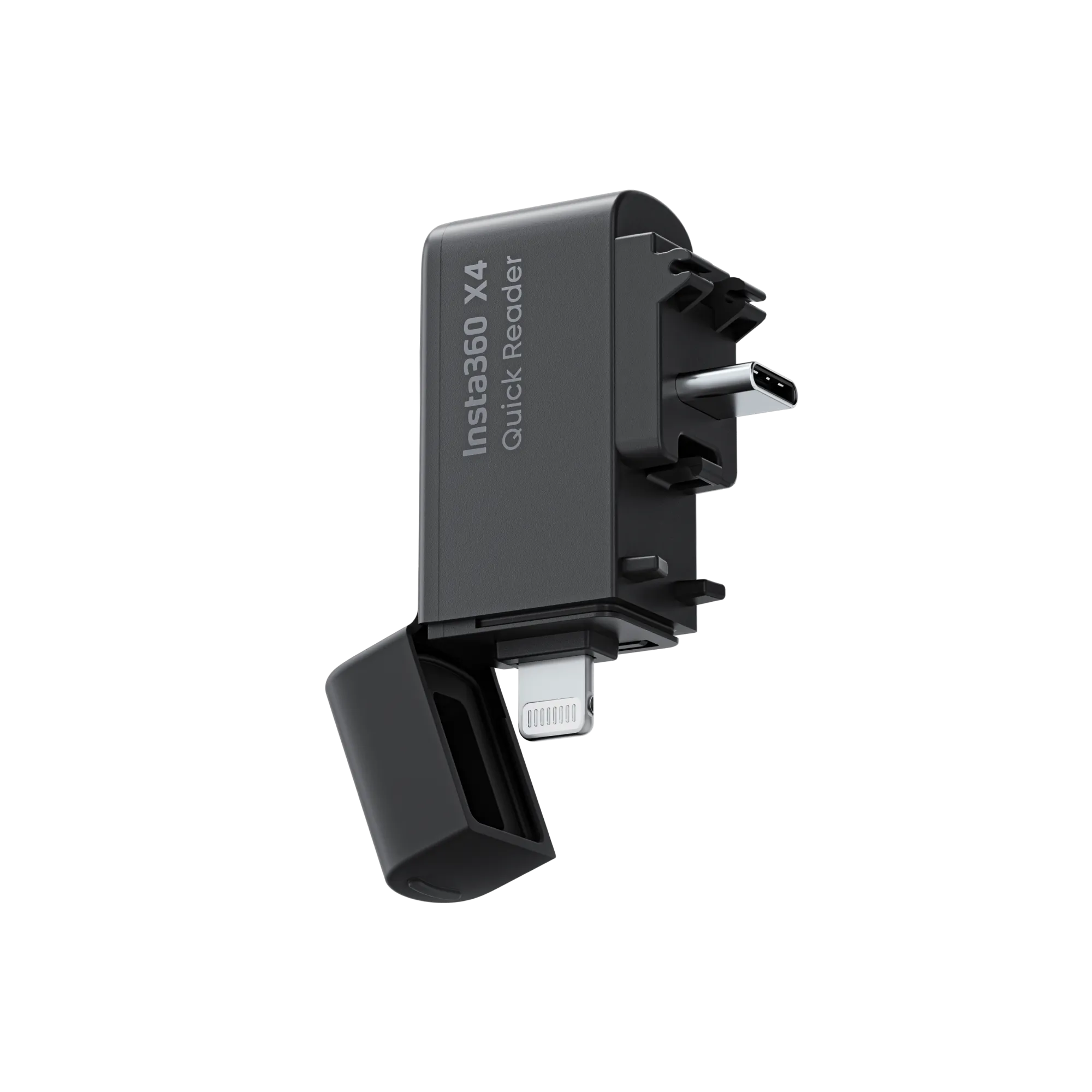
Alternatively, you can connect the camera directly to your smartphone with a USB-C cable and transfer data via the cable. This is the method I use most often
Editing footage into videos for social media or YouTube using the app is simpler than you might think
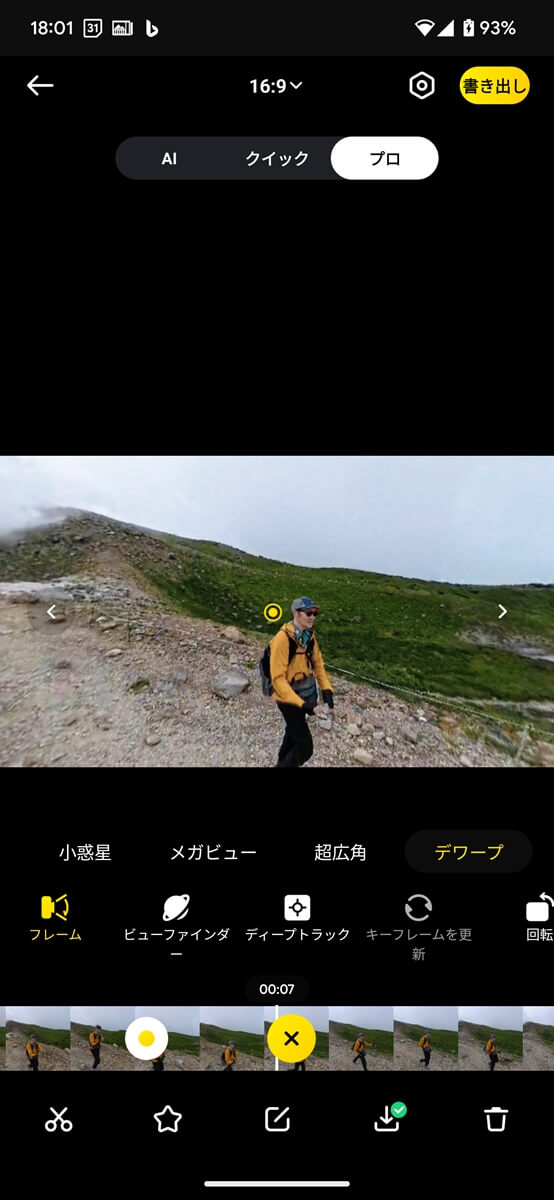
After importing your footage, first set the width and height (portrait, landscape, square, etc.). Next, set the field of view (such as "ultra-wide" to capture a wide range, or "dewarp" for a narrower field of view but less distortion). Then, intuitively drag the video footage to determine the composition you want to display. Then, as you specify the composition along the timeline, placing keyframes here and there at your own timing, the camera will automatically move smoothly up, down, left, and right. This is known as "reframing," and it allows you to freely adjust the composition and timing of roughly shot 360-degree footage later, within the field of view you have selected. This is a crucial difference from regular video cameras, where the field of view and composition are already decided at the time of shooting

The basics of editing are to set keyframes on the timeline (bottom) of the video you've shot, and then decide on the field of view, composition, etc
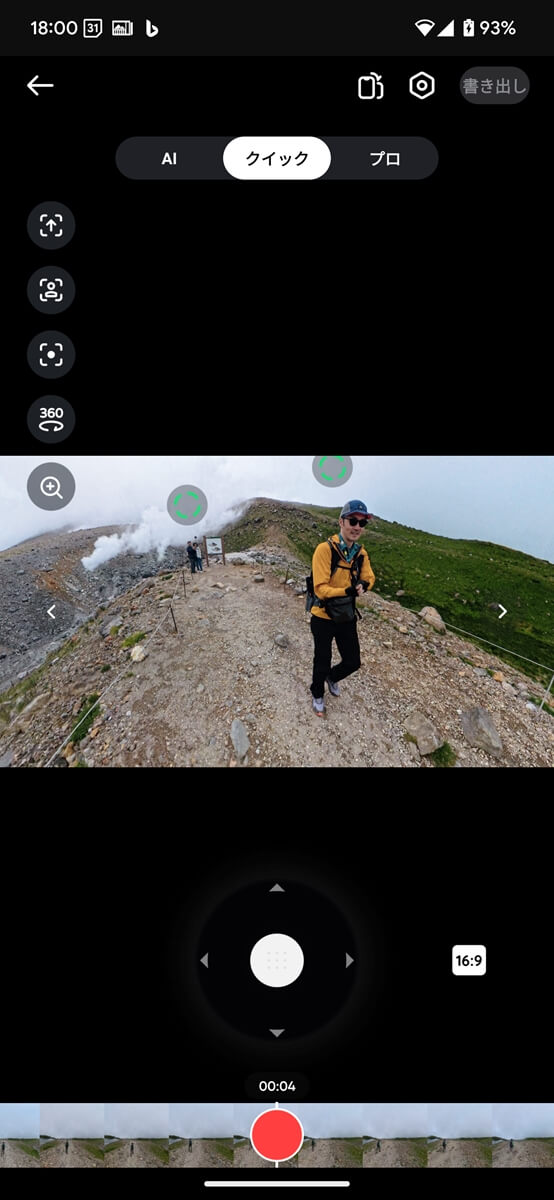
By the way, the Insta360 app does not only allow you to do this reframing process the traditional way of placing keyframes, but it also has a "Quick" editing mode that allows you to reframe 360-degree videos by moving your smartphone (as if it were a camera) in real time while playing them back, making reframing videos incredibly intuitive

In "Quick" mode editing, you can play back the video and tilt your smartphone to compose the shot, allowing for intuitive operation that makes it feel like you're the cameraman re-shooting the shot
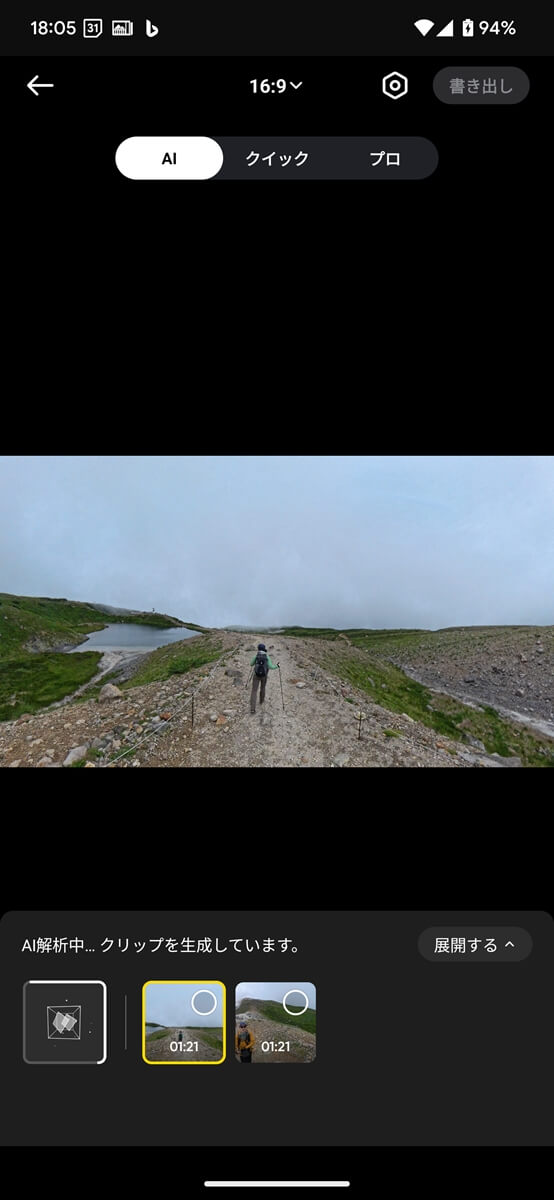
Newly added "AI editing" feature
also tried out the new "AI Auto Editing" feature added to the X4

With "AI Editing," AI automatically reframes your video and creates multiple candidate clips simultaneously
This uses AI to analyze what's happening in 360-degree video, extracting key moments and tracking key subjects by zooming in and out and panning and tilting as needed. I tried it out with a video of me walking down a trail with a selfie stick, and ideally, it would automatically output a powerful video that focuses on the subject I was aiming for. After a considerable amount of analysis, the results were two types of cuts: a simple selfie video and a video showing the direction I was moving in. Of course, this was useful in its own way, but not as good as I'd hoped. It's not capable of creating complex, unique videos that a human couldn't create, so honestly, I feel like this feature will be useful in the future, especially when it becomes possible to request more content for the output video, for example
Summary: This is the best outdoor action camera available today, allowing you to freely and variably express the excitement of outdoor activities with just one camera
Insta360 X4 boasts excellent image quality, a robust body, a wide range of imaging possibilities, and easy-to-use, convenient features. Overall, I feel it's the best action camera available at the moment. It's not just a great 360-degree camera, but also a user-friendly action camera with flexible adjustments thanks to the reframe. Of course, it's also great for taking quick still images. While this wasn't quite the case with the X3 the X4 has made it the ultimate all-around action camera.
From now on, I will carry it as my main camera not only when skiing in the winter, but also when hiking, mountain climbing, trail running, mountain stream fishing, stream climbing, camping, and traveling. Of course, there are cases when I prioritize image quality and I will bring a DSLR or high-end action camera, but even in those cases, I will never take away the Insta360 X4,
The Insta360 X4 is capable of capturing images that are impossible with a smartphone or regular video camera , and is recommended for anyone looking for a multi-purpose camera that can be used for a variety of outdoor shoots, including 360-degree footage, action cameras, and vlogs. Capture your best summer memories with this new camera.


Four recommended mounts and accessories to make the highly practical action camera "Insta360 Ace Pro" even more convenient
As a beginner to both action cameras and starry sky photography, I tried taking starry sky photos and time-lapse videos with the Insta360 X4 [Step-by-step guide]
Can the Insta360 Ace Pro, a full-fledged action camera developed in collaboration with Leica, be used for mountain climbing or skiing? A mountain-loving GoPro user switches to the camera and finds out what he likes and dislikes
It's so much fun to shoot "drone-like" ski footage with the 360-degree action camera Insta360 X3 [How do you do it?]